
Open PDFs from other apps
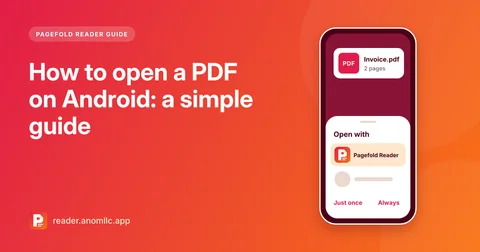
Tap a PDF in a chat, an email or your Files app and choose Pagefold Reader, or tap Open PDF. Recent files reopen on the page where you stopped.
Comfortable reading
Smooth scrolling, pinch and double-tap zoom, go to any page, page thumbnails, bookmarks, and a night mode with dark pages.
Search inside PDFs
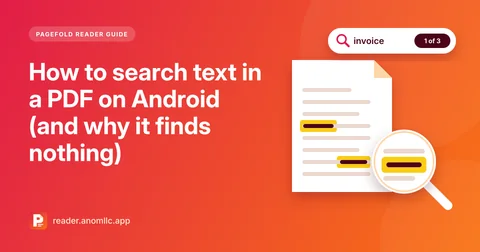
Find any word in a PDF that contains text, with a list of results and highlights on the page.
PDF tools built in
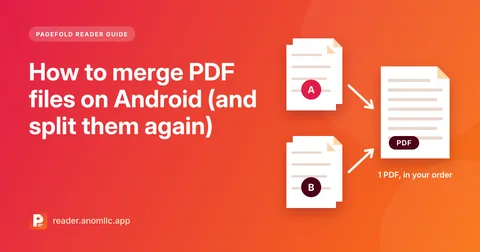
Merge PDFs, split out pages, rotate pages, turn photos into a PDF, and add or remove a password. Save the result where you choose, or share it.
Your files stay yours
Pagefold Reader has no account, no analytics and no ads, and it never uploads your PDFs. Files are opened and processed on your phone.
Guides
Practical guides to opening, fixing, merging and protecting PDFs on Android.
- How to open a PDF on Android: a simple guide
Open PDFs on Android from a chat, an email, your downloads or your Files app, set a default PDF app, and choose a PDF reader that keeps files private.
- How to search text in a PDF on Android (and why it finds nothing)
Find any word in a PDF on your Android phone and jump between results. Plus why scanned PDFs often show no results, and what to do about it.
- How to merge PDF files on Android (and split them again)
Combine two or more PDFs into one file on your Android phone, in the order you choose, and split pages back out. Free, offline, with no upload.
Questions
Is Pagefold Reader free?
Yes. Reading PDFs and all the PDF tools are free. There is no account to create, and this version has no ads.
Which phones does it work on?
Android 8.0 or newer. It works offline, and the app is in English and French.
How do I open a PDF with it?
Tap a PDF in a chat, an email, your Files app or your downloads, then choose Pagefold Reader under Open with or Share. Or open the app, tap Open PDF and pick the file.
Why doesn't it list every PDF on my phone?
Pagefold Reader doesn't ask for permission to read all your files. You pick each PDF yourself, and the ones you open stay in the recent list, ready to reopen on the page where you stopped.
Can it open password-protected PDFs?
Yes, once you type the password. It can also add a password to a PDF, or remove one if you know the current password.
Can I search the text in a scanned PDF?
Only if the PDF contains text. Many scanned PDFs are just pictures of pages, so there are no words for search to find. For paper documents, scan them with Pagefold, our scanner app, which reads the text so you can search and copy it.