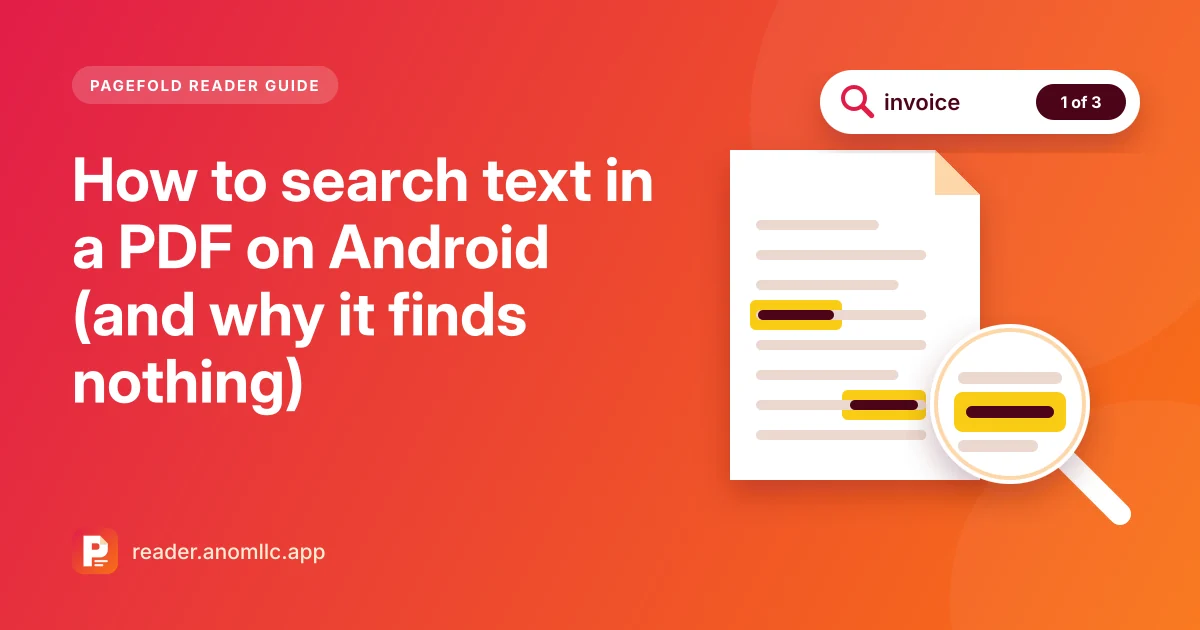
To search text in a PDF on Android, open the file in a PDF reader, tap search and type a word. The reader lists every match and highlights it on the page. If search finds nothing for a word you can clearly see, the PDF is probably a scan: pictures of pages with no text inside. This guide covers how to search, how to get better results, and what to do with a scanned PDF.
Search a PDF with Pagefold Reader
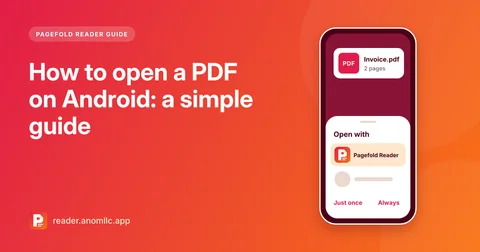
- Open the PDF in Pagefold Reader. Tap it in a chat, an email or your Files app and choose Pagefold Reader, or open the app and tap Open PDF.
- Tap search. Most readers show it as a magnifying glass.
- Type a word, for example a name, a reference number or a date.
- See every match. Pagefold Reader lists the results. Tap one to jump to that page, where the word is highlighted.
Search runs on your phone, so it works offline and the file isn't uploaded anywhere.
Tips for better results
- Search for one distinctive word. A surname, an invoice number or an unusual word finds the right page faster than a whole sentence.
- Try other spellings and formats. "Colour" or "color"? "1,000" or "1000"? "03/11/2026" or "3 November"? The PDF may use a different form from the one you typed.
- Watch for words split across lines. A word broken with a hyphen at the end of a line may not be found as one word. Search for a different word from the same sentence.
- Getting nothing at all? Check whether the PDF contains text. That's the next section.
Why search finds nothing in a scanned PDF
A PDF can hold two very different things:
- Real text. PDFs made from a document, a web page, a form or an app, such as bills, e-tickets and bank statements, store the letters as text. Search works.
- Pictures of pages. PDFs made by a scanner, a photocopier's "scan to email" or a phone camera often contain only an image of each page. You can read the words, but to the reader app they're just dots of colour. There is nothing for search to find.
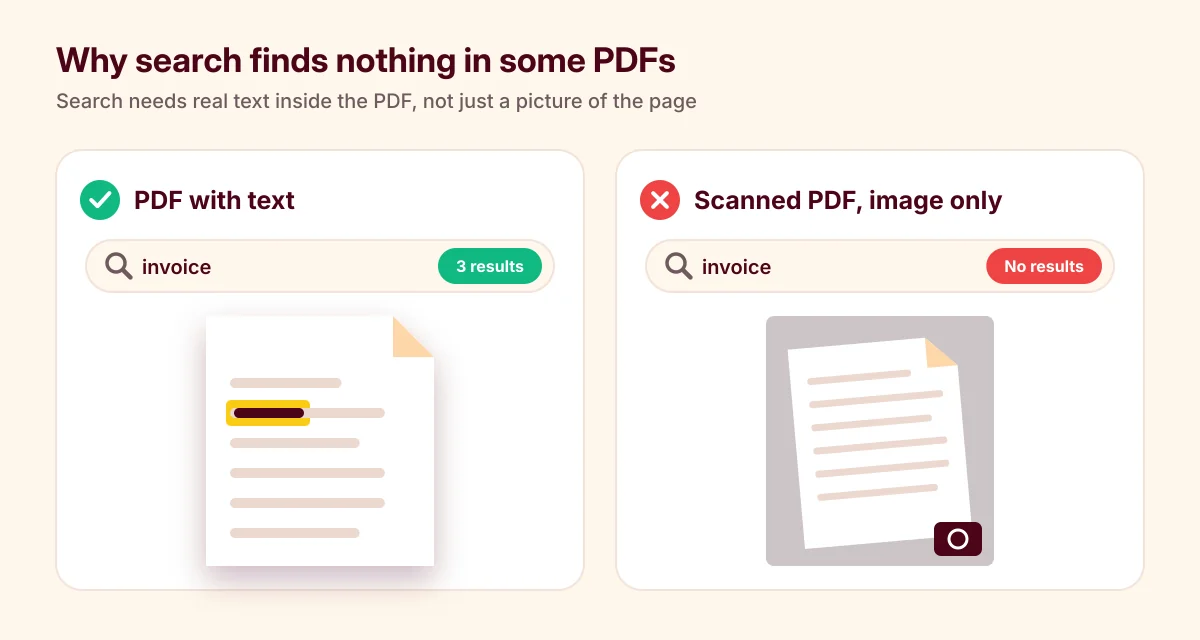
Some scanners and scanning apps also run text recognition (OCR) and add a hidden layer of text behind the picture. Those PDFs look like scans but can be searched.
How to tell whether a PDF has text
- Search for a word you can see. If a word that's clearly on the page returns no results, the page is almost certainly a picture.
- Zoom in a long way. Real text stays sharp at any zoom. A scanned page gets blurry or blocky.
- Look for photo clues. Crooked pages, shadows, a grey background, a staple or a finger at the edge all mean you're looking at a scan.
What to do with a scanned PDF
Pagefold Reader searches the text inside a PDF. It doesn't read text from pictures. What to do depends on where the scan came from:
- You have the paper. Scan it with Pagefold, our free scanner app. The Scan button in Pagefold Reader hands off to it. Pagefold reads the text on your phone, so you can search all your scans by any word inside them, and copy the text. See how to scan documents on Android and how to copy text from a scan.
- Someone sent you the scan. Ask whether they have the original digital file. A bill or a statement downloaded from a website usually contains real text.
- You just need one detail. Use go to page or the page thumbnails to find the right page, then zoom in to read it.
Other ways to find your place in a long PDF
- Page thumbnails show small pictures of every page, which is the fastest way to find a table or a chart.
- Go to page jumps straight to a page number from a table of contents.
- Bookmarks keep the pages you come back to one tap away.
- The recent list reopens each file on the page where you stopped.
Common questions
Can I search across all my PDFs at once? Search works inside the PDF you have open. In Pagefold, the scanner app, the search box on the main screen finds scans by the words inside them.
Does search need internet? No. It runs on your phone.
Related guides: how to open a PDF on Android and PDF won't open on Android?